.svg)
Hopskip's Ultimate Planner Toolkit
Your go-to resource area for all things Hopskip. Includes helpful best practices, essential tips and tricks, and access to our team of Hopskip experts.
Connect with Hotels & Industry Contacts Like a Pro
Stay connected and keep your workflow smooth! Make it a habit to check your in-app messages (just click that envelope icon at the top right of your dashboard). Hotels and approved industry contacts use this space to ask questions, share updates, and request feedback throughout your RFP process—and we encourage everyone to use it for the fastest, most organized communication.
Here's how it works:
- If a hotel replies to a notification email by mistake, no worries! We'll politely redirect them to the 'Message Planner' feature in-app and forward their message to you so nothing slips through the cracks.
- When you need to reach out, use the in-app messaging feature for specific RFPs—it keeps everything in one place and makes your workflow so much easier to manage.
Access RFPs on Hopskip (Planners, Hotels, DMOs)
Planners: Can't find an RFP? No problem! Switch to 'table view' on your dashboard and use the search bar to look up your RFP by code or title—it'll pop right up.
Hoteliers: Access is all about permissions! You'll only see RFPs for hotels you're associated with in the system. If you manage multiple properties, make sure you're linked to the right one. Can't see an RFP? Double-check that your hotel was included and that you've been added to that property's team.
NSOs/GSOs (Suppliers): You'll need to be added by name to each RFP you're supporting. The planner decides your permissions—whether you can suggest hotels, initiate chats, or both. Pro tip: If your team has support staff who help with admin tasks, just add the main Supplier Contact. Their access automatically extends to everyone on their team—no need to add each person individually!
DMOs/CVBs (Affiliates): Two things need to happen for you to see an RFP: you must be added by name AND be properly associated with your affiliate organization and geography. If something's not showing up, reach out to the Hopskip team and we'll get your organizational setup squared away!

Help Center Home
Your central hub for all Hopskip support resources, organized by user type (Planners, Hoteliers, DMOs/NSOs) with quick access to guides, FAQs, and video tutorials.

How to Contact Support
Need help fast? Our support team is ready to assist via in-app chat Monday through Friday, 8AM - 8PM EST. Chat with us via chat directly for lightning-fast responses.

How to Log In, Reset Password & More
Get step-by-step instructions for accessing your account, resetting your password, and updating your email preferences.
Resources Built for You
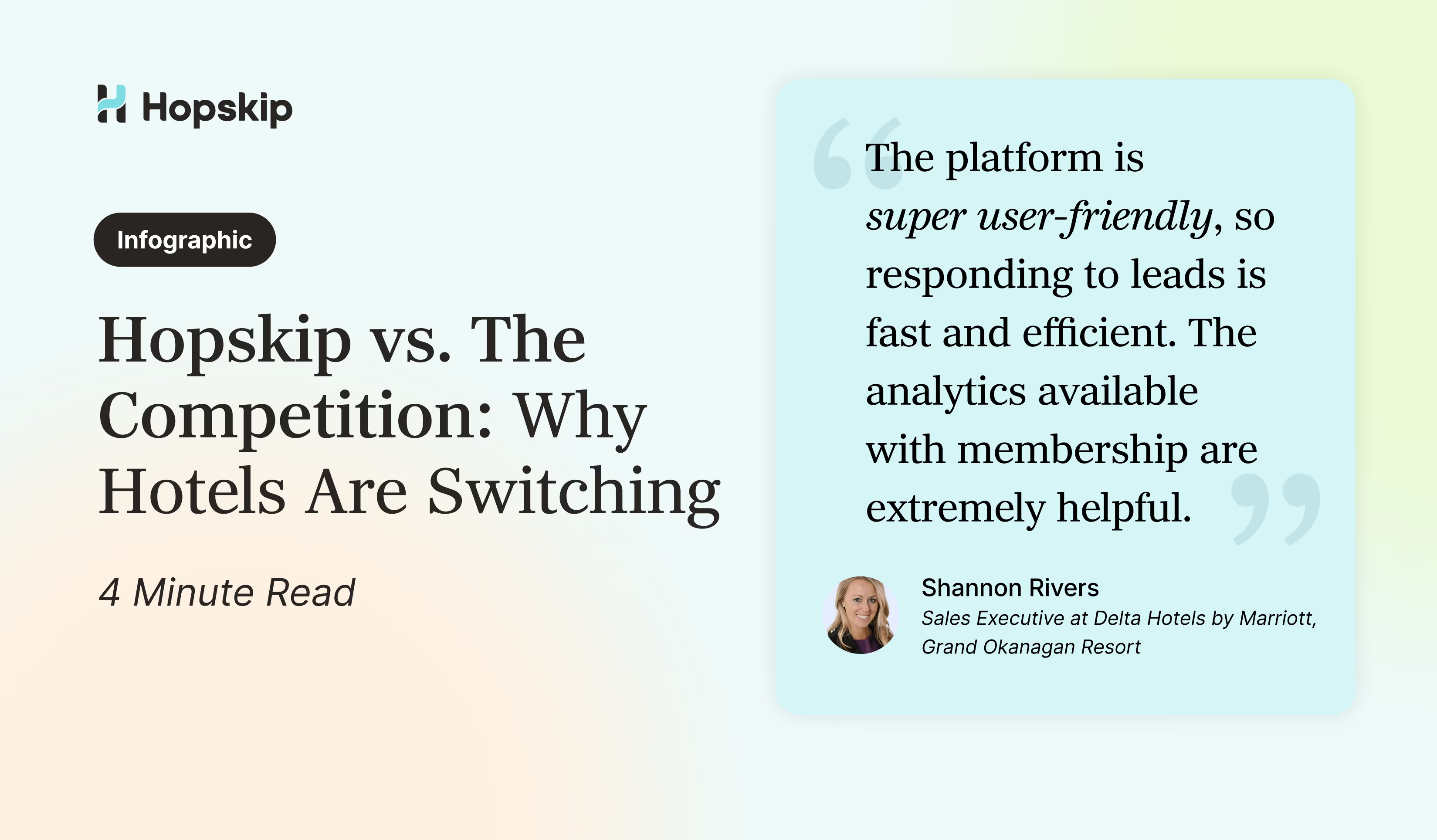
Hopskip vs. The Competition: Why Hotels Are Switching
See how Hopskip's subscription-only planner model, competitive intelligence, and zero duplicate RFPs deliver 87% conversion rates and 3x more qualified leads than legacy platforms.


Unparalleled Support. Ready When You Are.
Interested in exploring more amazing Hopskip features (like comp set analytics)? Our team is here for you. Let's chat and discover the right path forward for your specific needs.
Stuck on a proposal? Need additional training? Book a call and get the help you need to close that deal.

.svg)